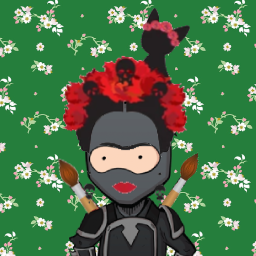
Each student gets a unique emoji for password-free login.
Unlocking in step 2 also saves whatever is selected here — you only need this button if you're changing the test without unlocking.
Students can't open the test while this is locked. Locking never affects existing scores.
Independent of the quiz — games can stay open while the test is locked.
This archives the current results first, then clears every student's score and missions for this class.
You don't need this just to reopen the test — unlocking in step 2 lets students back in with their scores intact.
Print and cut these cards for students. They log in by clicking their emoji.
Each report includes the student's score, belt rank, skill strengths & targets, their personal login details (class code + emoji), a QR code to the app, and a short description of how Ninja Maths works.
Reports open in a new browser tab ready to print or save as PDF (Ctrl/Cmd + P → Save as PDF). Each student gets their own page.
Open a game in a new window, then share the code with your class so students can join on their devices.